
This guide explains how the accounts payable ledger works in SimplBooks and what information it provides.
What is accounts payable?
Accounts payable shows all open purchase invoices and unallocated payments recorded in the software within a defined date range. By default, the accounts payable view displays invoices that are currently open.
Want to learn more?
Read more on our blog: Accounts payable and receivable in 5 minutes
Accounts payable shows all open purchase invoices and unallocated payments recorded in the software within a defined date range. By default, the accounts payable view displays invoices that are currently open.
Want to learn more?
Read more on our blog: Accounts payable and receivable in 5 minutes
1. You can find the accounts payable ledger under Reports > Accounts Payable.
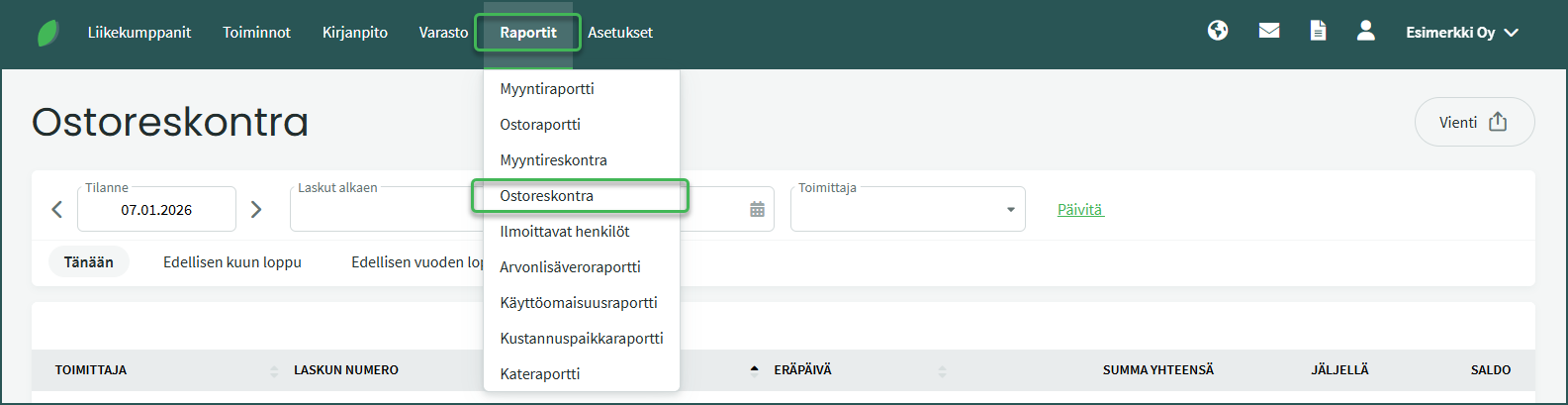
The accounts payable ledger displays all unpaid and partially paid invoices.
- Invoices are grouped by supplier, and you can also filter the view by supplier if needed.
- Invoices are displayed in chronological order, oldest invoice first.
- Unallocated payments are shown as a total sum per supplier.
- If the values in the “Total amount” and “Remaining” columns differ, the invoice has only been partially paid.
- You can click to open invoices for a more detailed view.
2. You can view open invoices at different points in time by entering your desired date in the As of field.
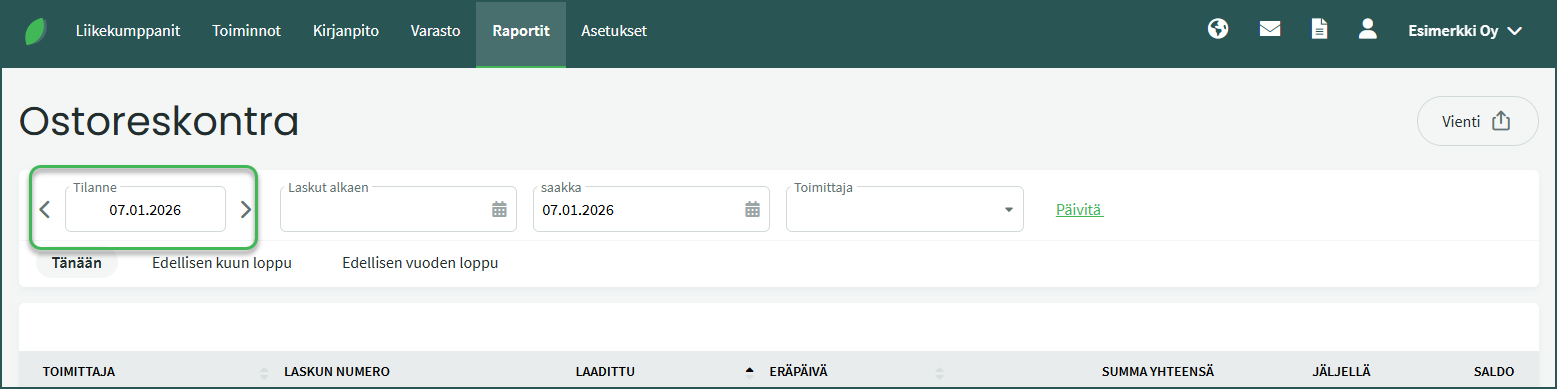
For example, for year-end financial statements you can generate the accounts payable report by entering the last day of the financial year in the field.
📢 Note! When you change the date in the As of field, the end date field is also updated automatically.
3. You can export the report from the top-right corner via Export
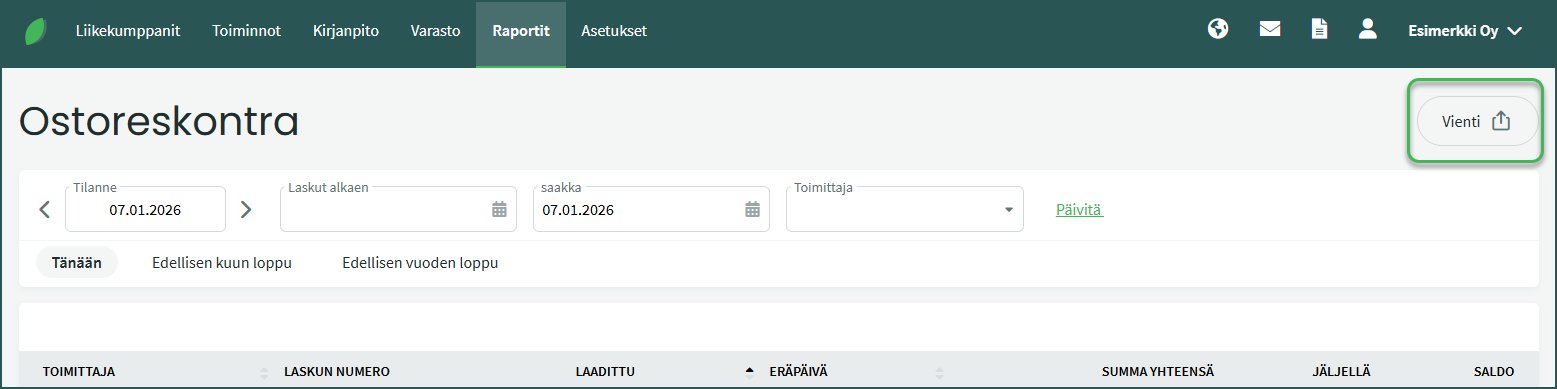
You can save the report in PDF, CSV, or Excel format, or print it via the print preview.
📢 Note! Unallocated payments can be allocated, corrected, or deleted under Actions > Payments. Payments must always be allocated to invoices; otherwise they will remain in a Pending status. See the detailed guide here.
Leave A Comment?