
This guide explains what notes are, where to find them, and how to edit or add them.
What are notes?
Notes are entries automatically saved by the program — for example, for sent sales invoices, payment reminders, and quotes. The program also saves a note if a sales invoice is edited after it has been sent to the customer. Sent PDF invoices are not attached to notes.
Notes are entries automatically saved by the program — for example, for sent sales invoices, payment reminders, and quotes. The program also saves a note if a sales invoice is edited after it has been sent to the customer. Sent PDF invoices are not attached to notes.
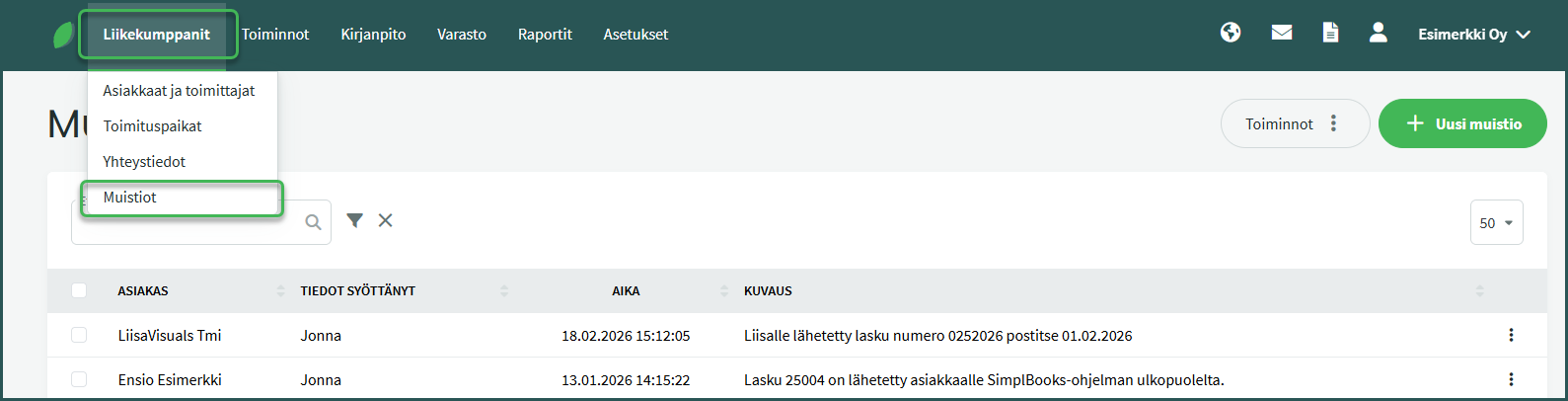
1. You can find notes under Business Partners > Notes
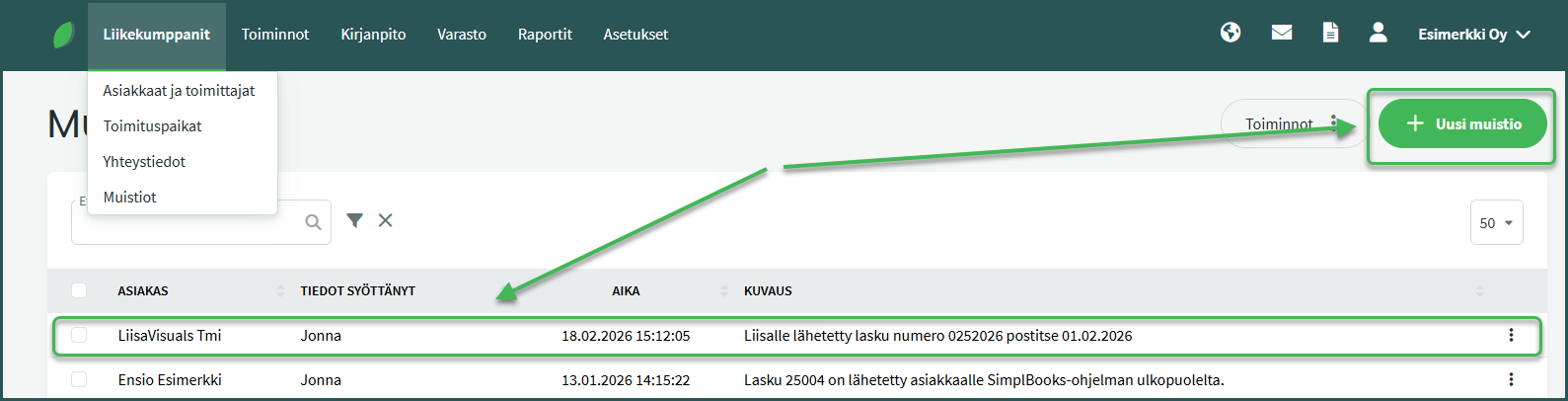
2. To edit a note, click on the desired note to select it, or add a new note from the top right corner
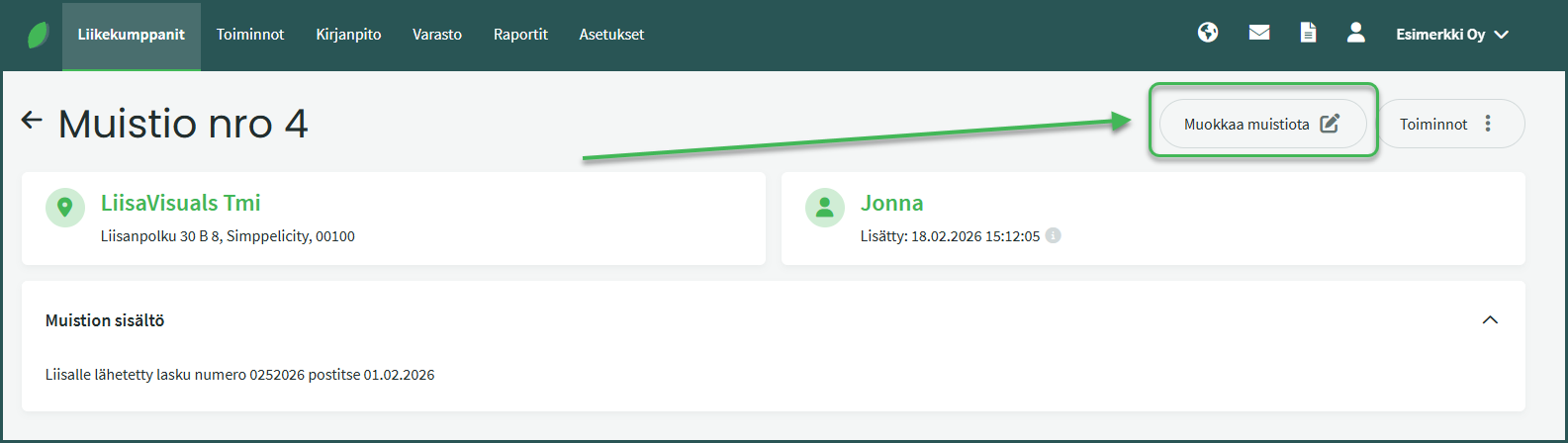
3. In the view that opens, select “Edit note” from the menu on the right
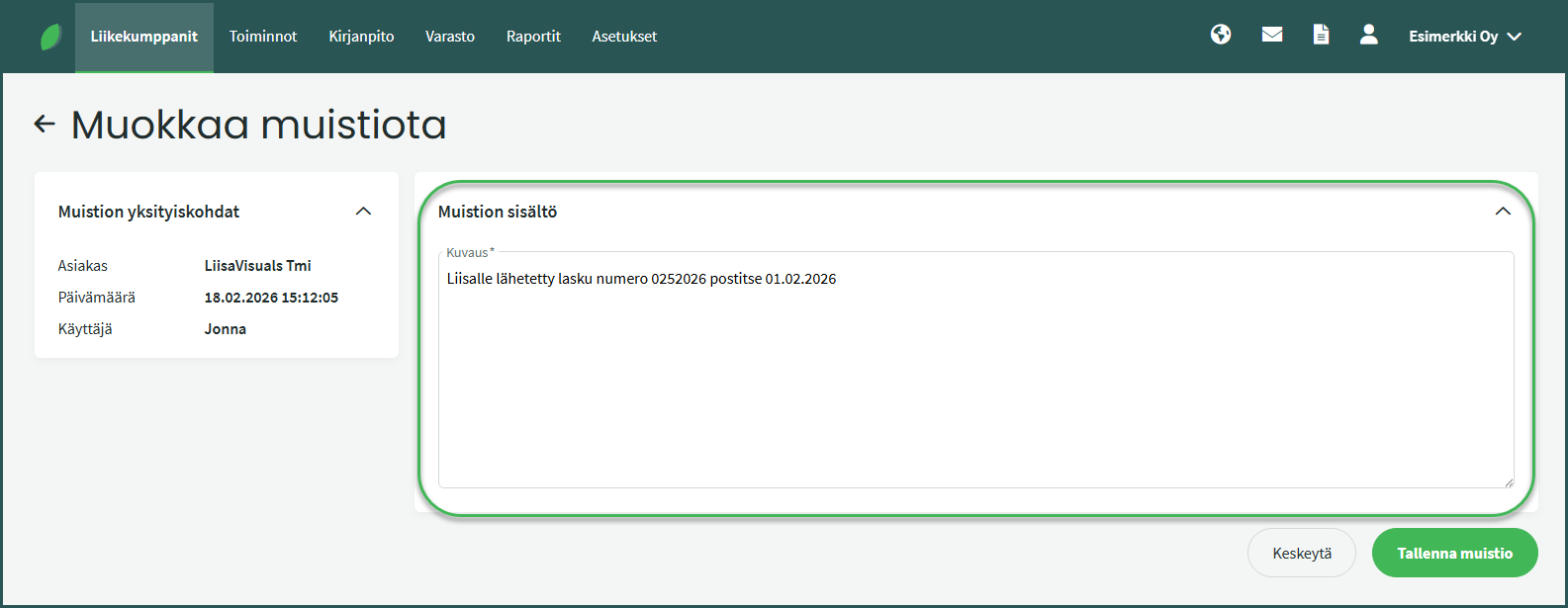
4. You can freely add information to notes, such as details about verbal agreements or the customer relationship.
Leave A Comment?