
This guide explains how the general ledger works and how general ledger entries can be modified in SimplBooks.
The general ledger displays all transactions recorded in the accounting system, clearly broken down by account in ascending order. It helps you understand what has been posted to each account and is a particularly useful tool when preparing and reviewing bookkeeping.
1. The general ledger can be found under Accounting > General Ledger.
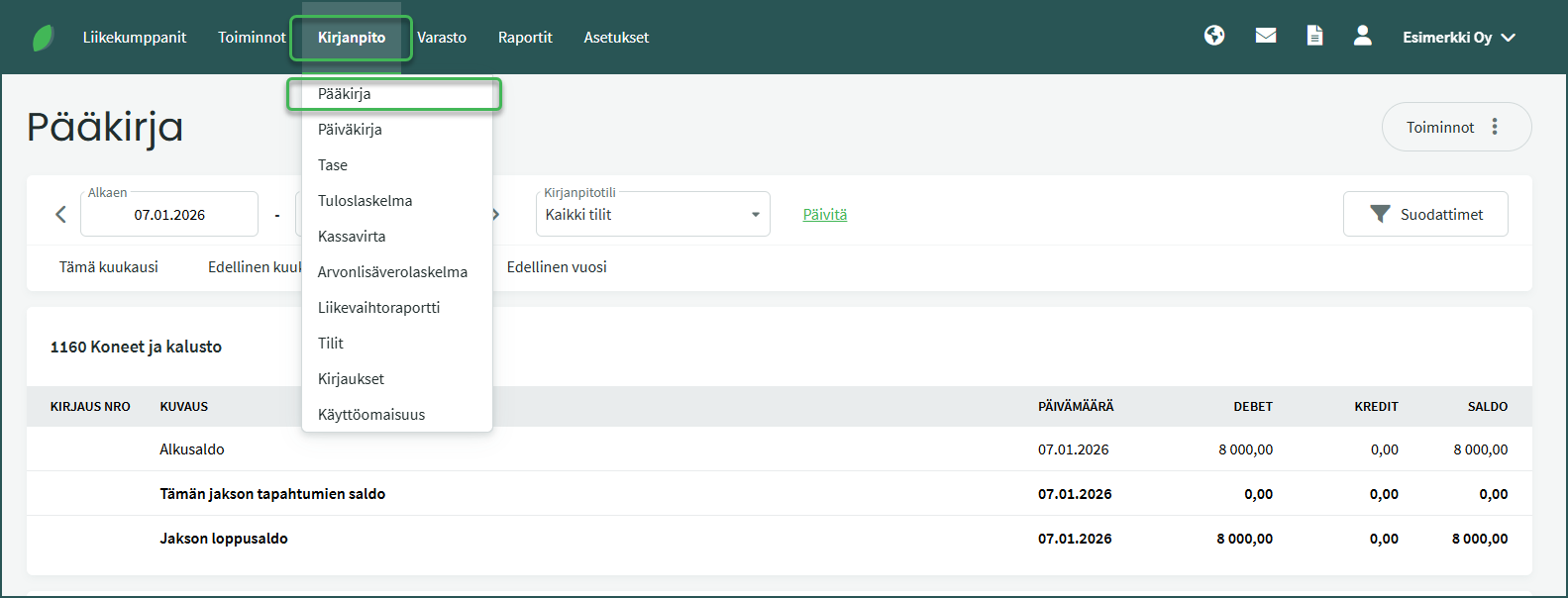
2. Select the period whose transactions you want to review.
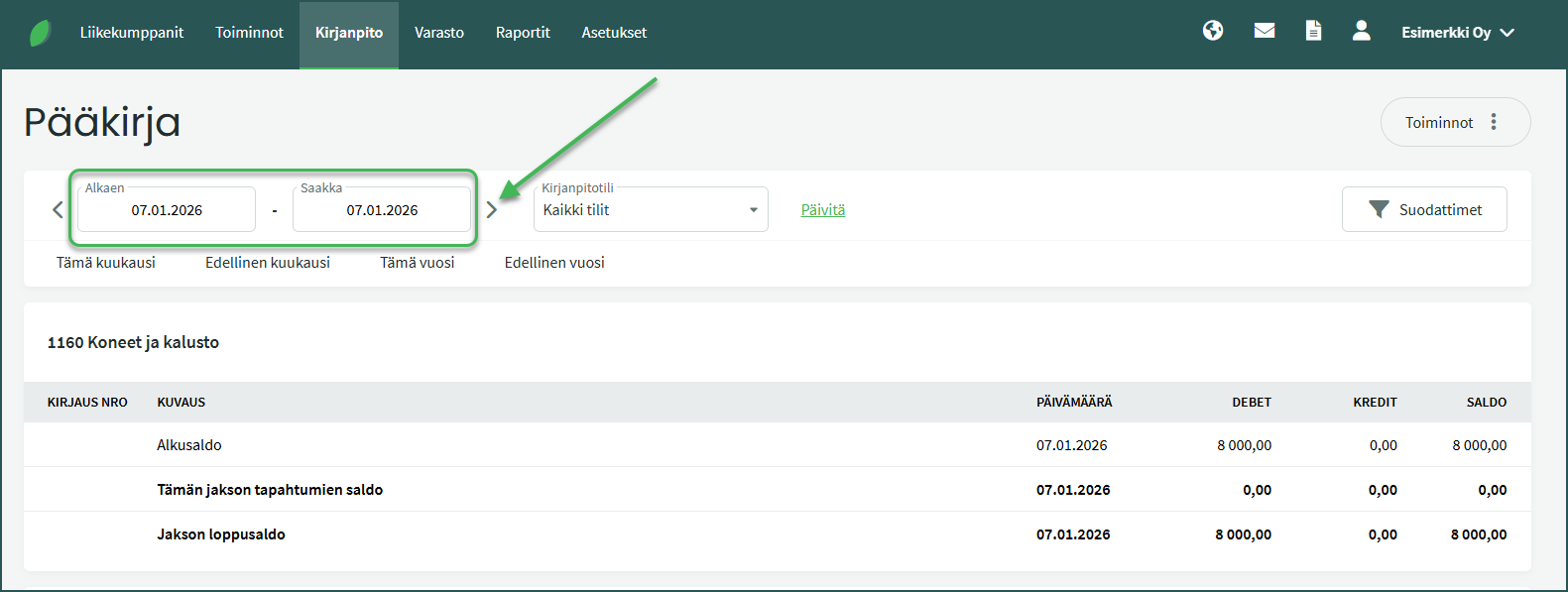
- You can select a period by exact date or use quick selections by month and year.
- Once you have selected a period, you can move forward and backward within that period using the arrow buttons.
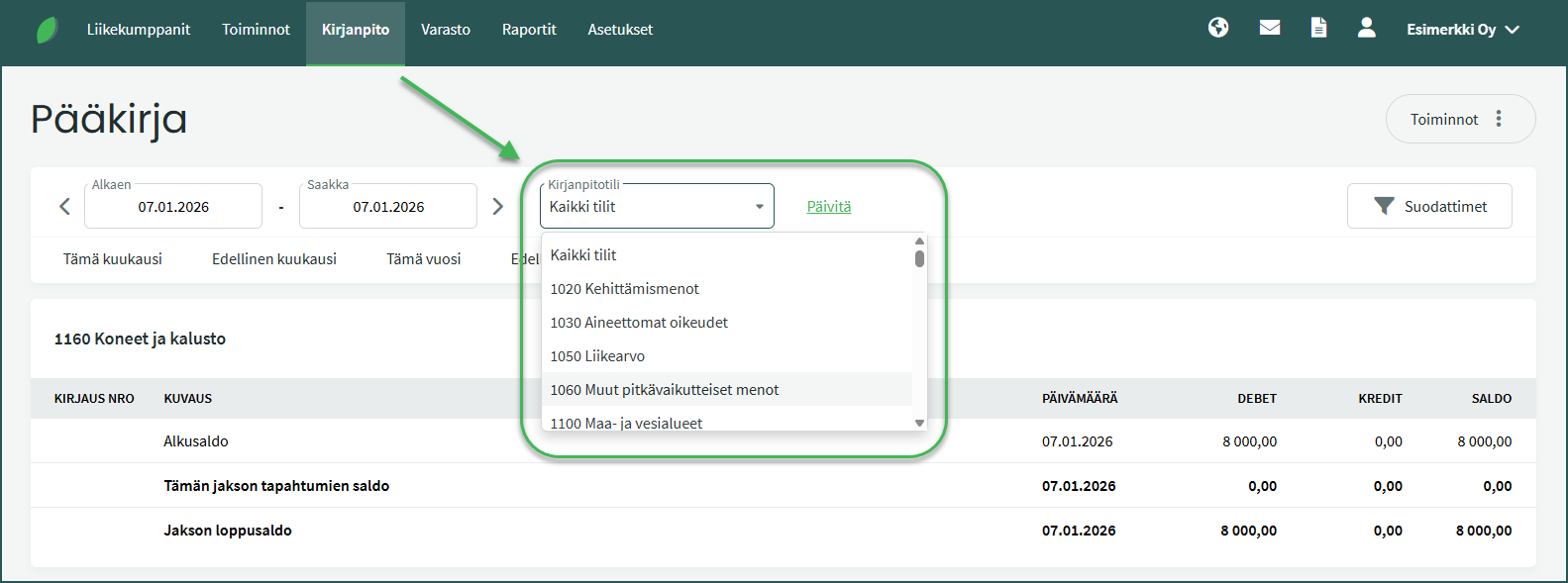
3. Filter transactions for a specific accounting account by filling in the Account field.
4. Filter transactions by cost center using the “Filters” option.
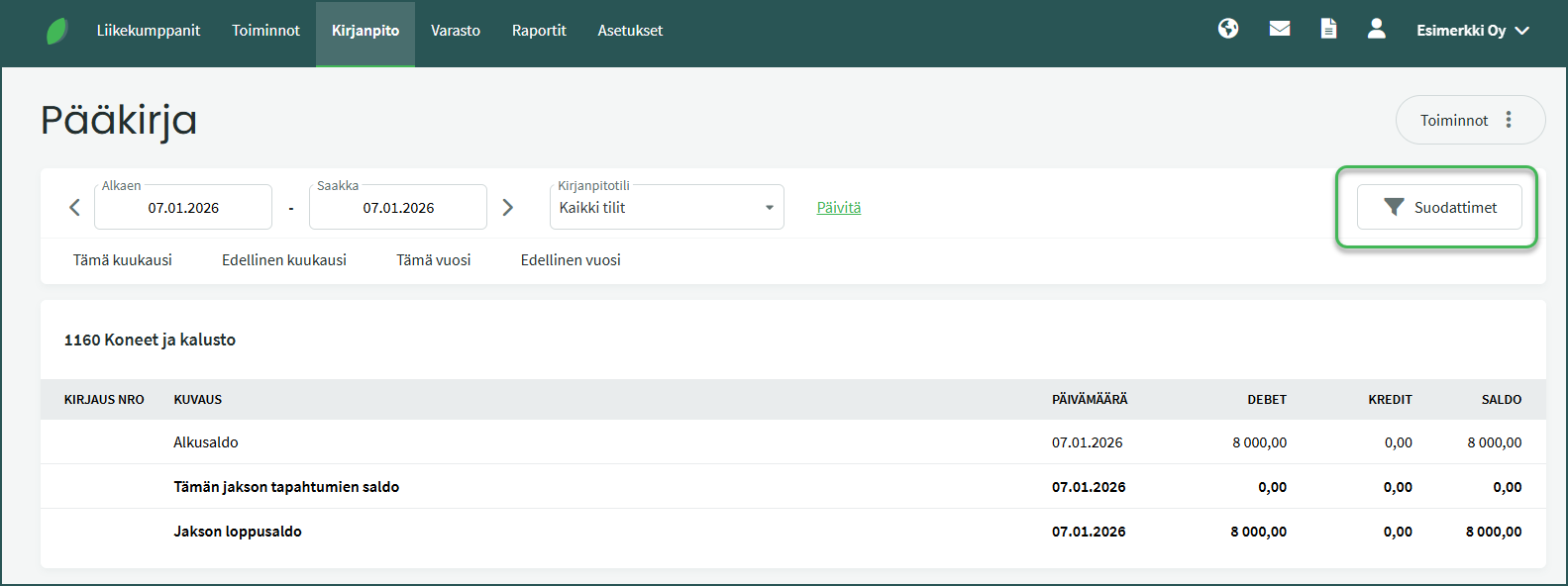
- Select the desired cost center and click “Search“.
📢 Note! The Filters option is only visible if cost centers have been added to the program.
5. General ledger view
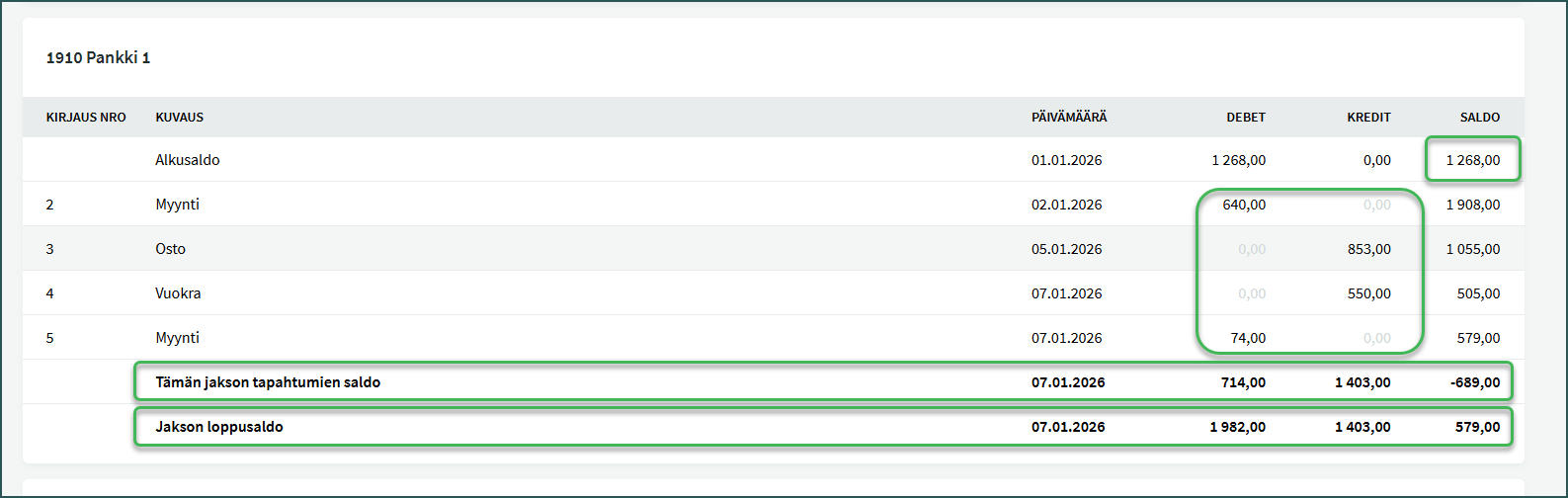
Accounts in the general ledger are presented in ascending order according to the chart of accounts, with each account’s transactions listed in chronological order. For each account, the opening balance, transactions, and closing balance are shown.
General ledger entries are always updated based on accounting journal entries, so if you want to make changes to the general ledger, you must do so by editing the journal entries.
1. Click the transaction you want to edit in the general ledger and select “Open in new tab“.
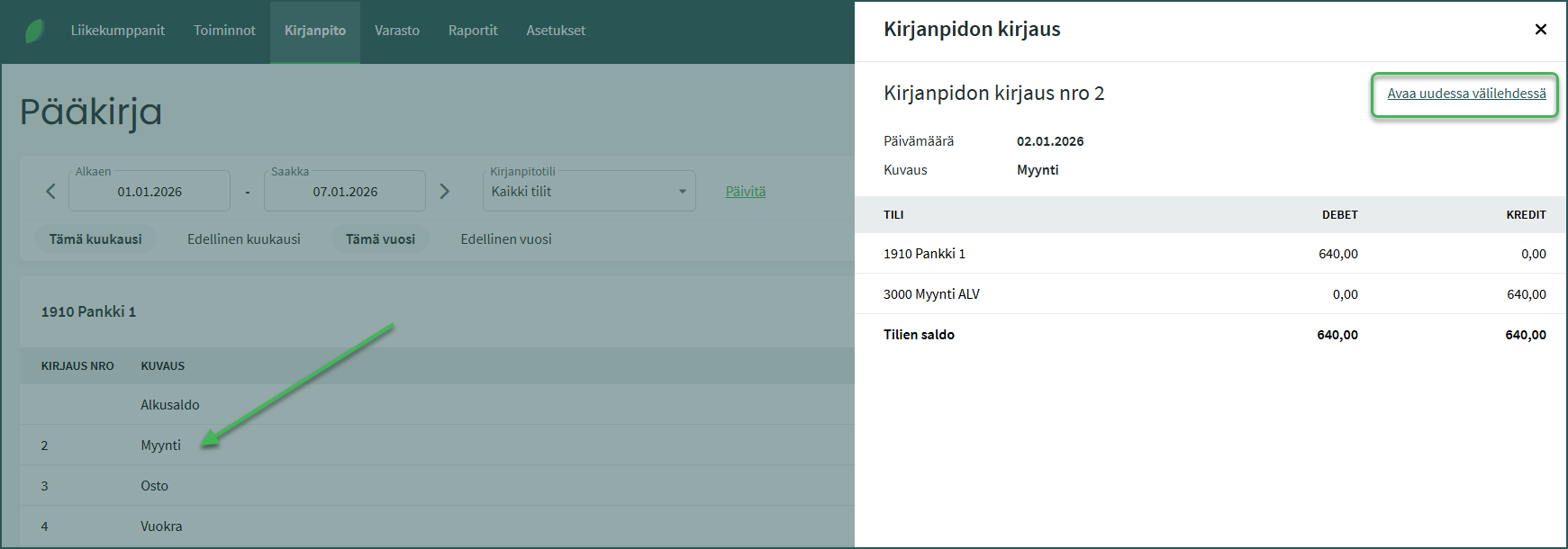
2. Modify the entry via Actions > Modify entry
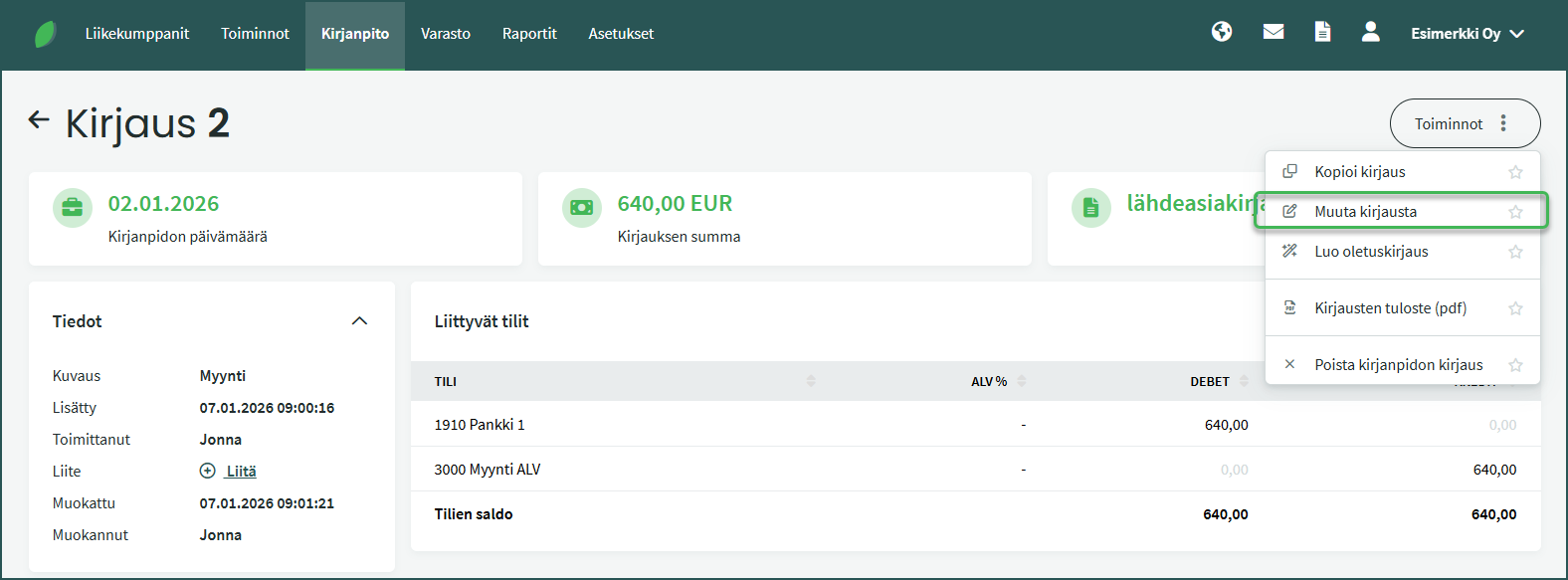
📢 Note! The program creates automatic entries based on sales and purchase invoices, for example.
Leave A Comment?