
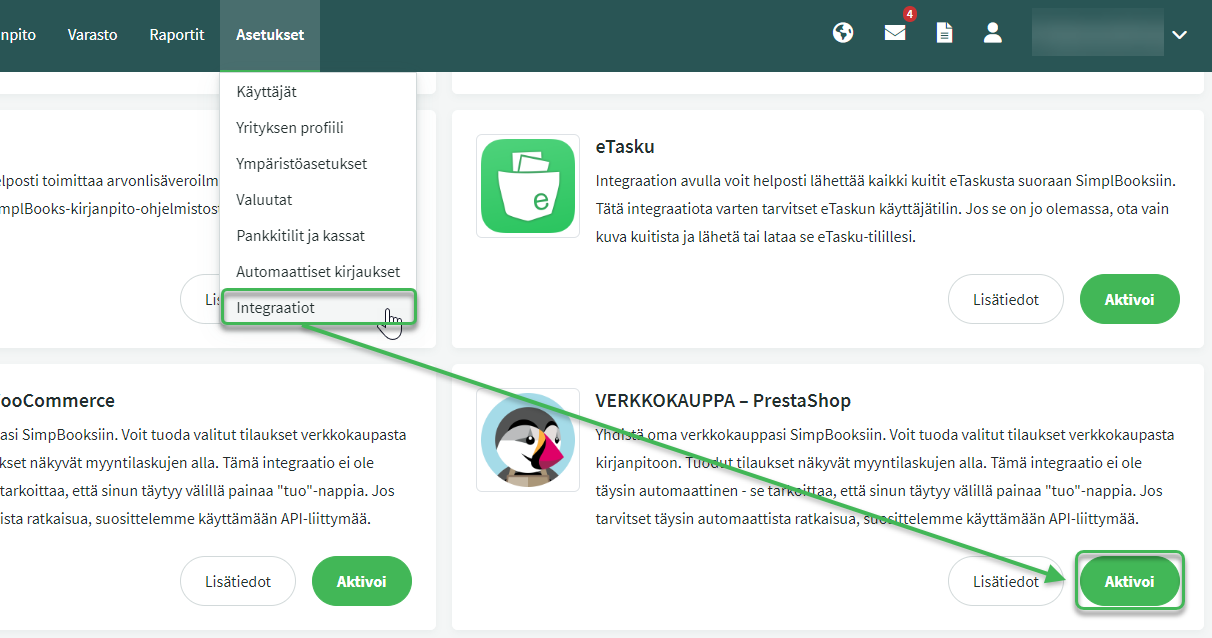
The PrestaShop integration is a free feature in SimplBooks. Once the integration is active, you can import sales into the software from the sales invoice view.
You must have an existing PrestaShop account before you can connect it to SimplBooks.
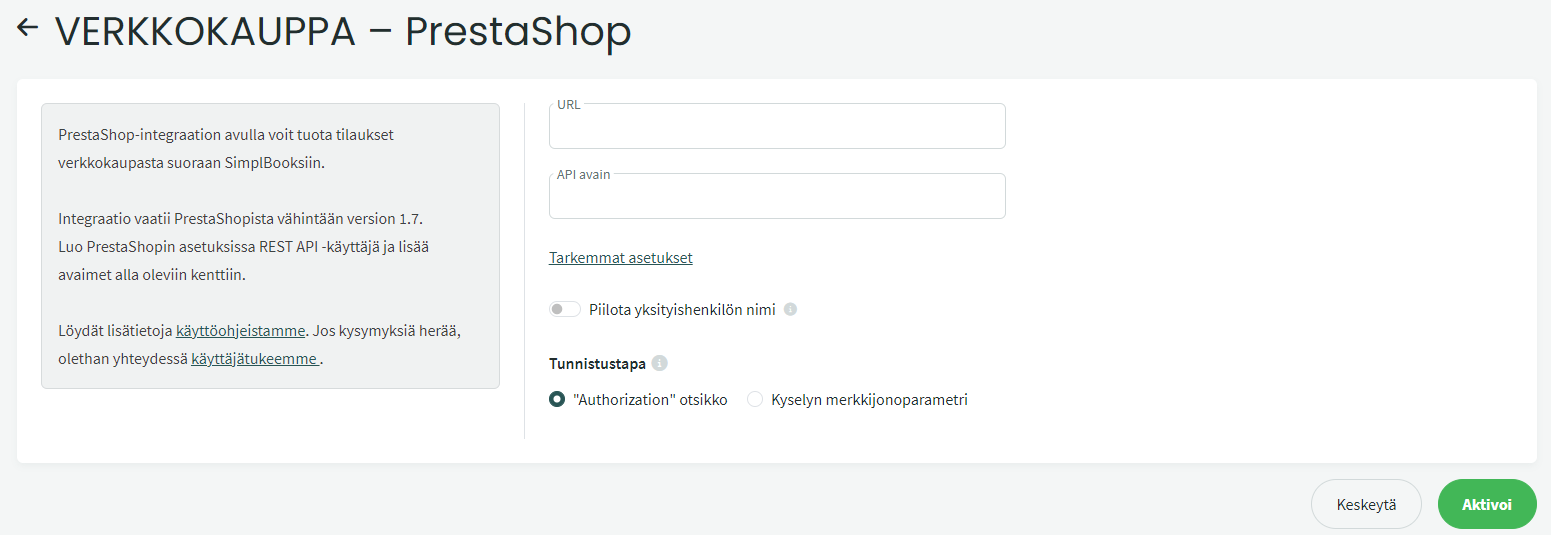
In the settings, enter the online store URL and the API key. These details can be found in PrestaShop under REST API settings.
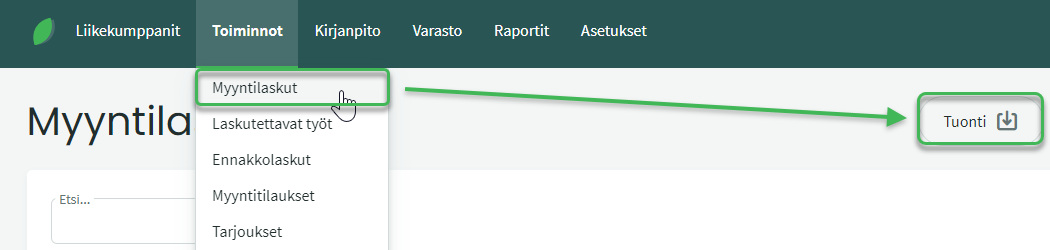
Once the integration is active, a PrestaShop button will appear in the Import section of the sales invoice view.
If you use inventory tracking in SimplBooks, you can also use inventory products in PrestaShop. In that case, enter the product code saved in SimplBooks into the “reference” field of the product (Products) in PrestaShop. More detailed instructions on inventory tracking and products can be found here.
Leave A Comment?