
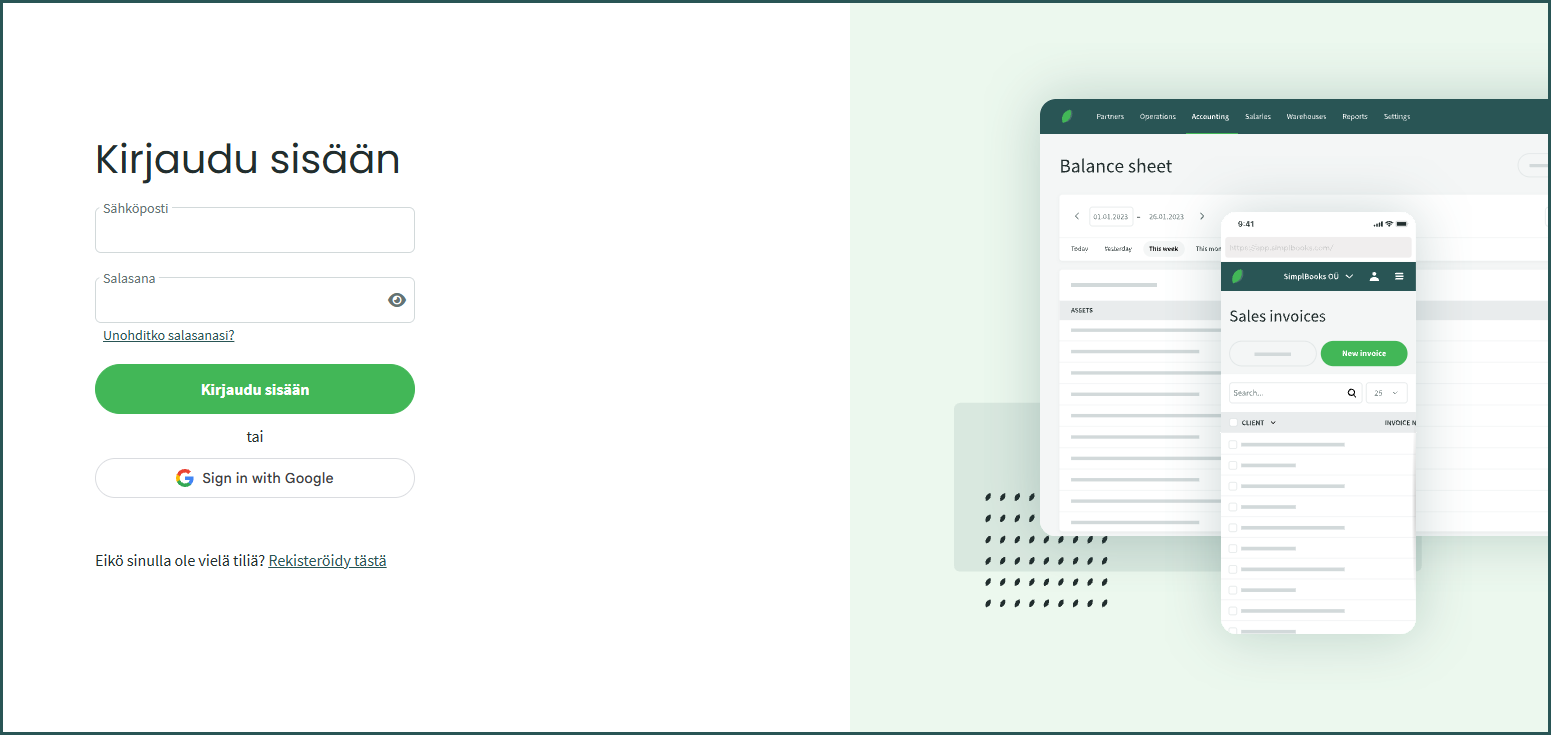
1. All customers sign in to SimplBooks at: https://secure.simplbooks.com
2. The email address used to sign in is the same one you used when registering your SimplBooks account.
Managing multiple companies?
If you manage multiple companies (environments) in SimplBooks, the way you sign in depends on how they were set up.
1. If the environments were created under the same user account, you can sign in to SimplBooks with a single email address and switch between environments. Select the desired environment after signing in from the menu in the top-right corner.

2. If the environments were created under different user accounts, you will need to sign in to each one separately using its own email address.
If you have any questions about signing in, please contact our customer support. We are happy to help! 🙂
Leave A Comment?